How to Format Your Resume to Beat the ATS (Applicant Tracking Systems)
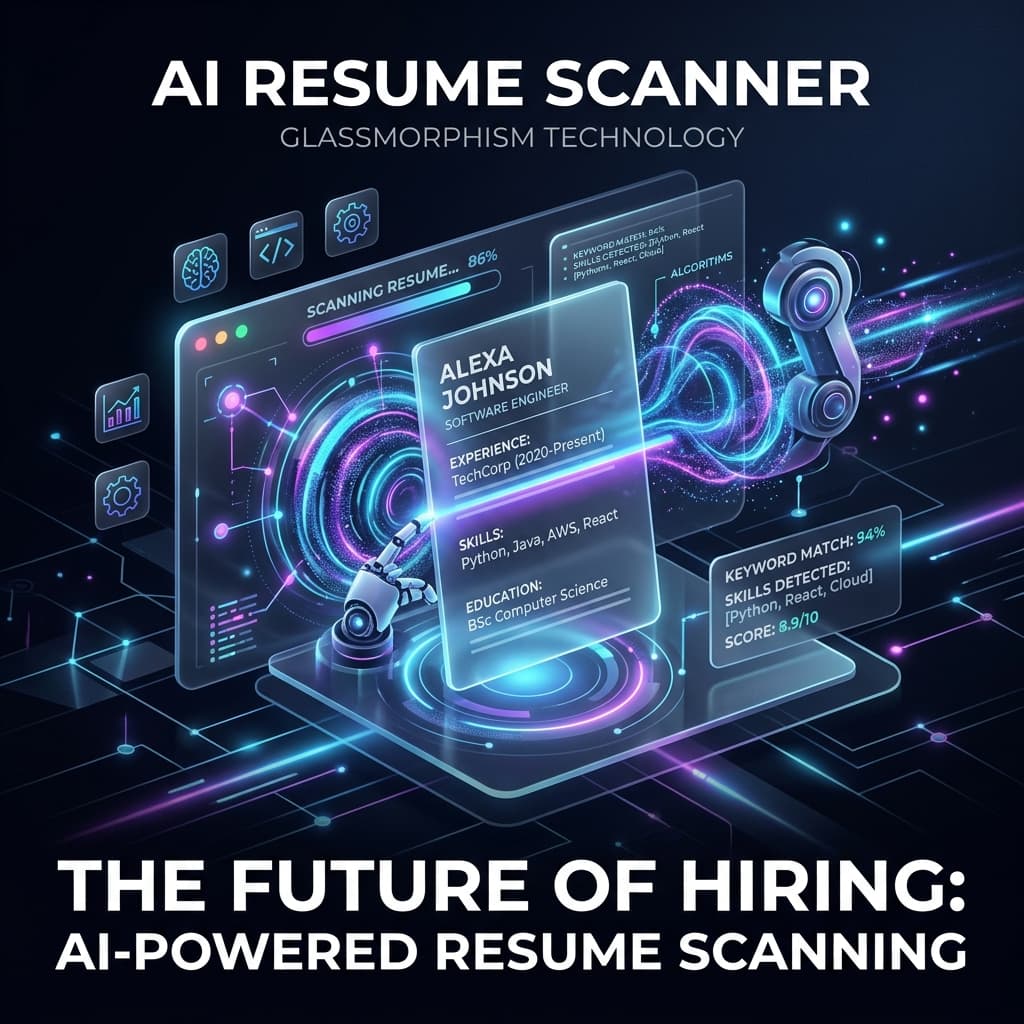
How to Format Your Resume to Beat the ATS
If you've been applying to dozens of jobs but hearing nothing back, your resume might not be reaching human eyes. Over 75% of resumes submitted to online portals are rejected by an Applicant Tracking System (ATS) before a recruiter even opens them.
An ATS is a software application that enables the electronic handling of recruitment needs. It parses your resume, extracts the text, and scores you based on keyword matches. If your resume format is too complex, the ATS fails to read the text, and your application goes straight to the trash.
Here is the definitive guide on formatting your resume to perfectly pass an ATS scan.
1. Avoid Columns and Tables
The number one mistake candidates make is using multi-column layouts (like a sidebar for skills and a main column for experience).
Most ATS parsers read from left to right, top to bottom. If you have a left sidebar with skills, the parser will read your skill, then jump across the page and read a random word from your experience block, creating a jumbled mess of text.
- Rule: Stick to a single-column layout.
- Rule: Never use tables to structure your content. The ATS will scramble the rows.
2. Use Standard Fonts and Headings
ATS systems are programmed to recognize standard section headings. If you try to be creative, the system won't know where your experience ends and your education begins.
Use these exact headings:
- Work Experience (or Professional Experience)
- Education
- Skills
- Projects
Use standard, ATS-safe fonts:
- Arial
- Calibri
- Times New Roman
- Garamond
- Helvetica
3. Ditch the Graphics, Charts, and Icons
Visual resumes with pie charts showing your skill levels (e.g., "90% JavaScript") look cool, but an ATS cannot read images or graphics.
When an ATS encounters a graphic, it either ignores it or breaks the parsing process. Everything you want the recruiter to know must be written in standard, selectable text.
4. The Perfect Keyword Strategy
An ATS ranks candidates based on keyword density. If the job description asks for React.js and you write React, the system might score you lower.
- Mirror the Job Description: If they ask for
NodeJS, writeNodeJS. If they ask forNode.js, writeNode.js. - Include Full Names and Acronyms: For example, write
Amazon Web Services (AWS). - Contextualize Keywords: Don't just dump a list of keywords at the bottom. Weave them naturally into your bullet points (e.g., Built a high-performance REST API using AWS Lambda and Node.js...).
Common Mistakes Checklist
- [ ] Submitting a
.pagesor.docxfile instead of a standard.pdf(Always use PDF unless specifically asked otherwise). - [ ] Putting contact information in the Header/Footer section (ATS systems often skip headers and footers entirely).
- [ ] Using custom bullet points like arrows or checkmarks (Stick to standard round bullet points).
[!TIP] Test Your Resume: The easiest way to test if your resume is ATS-friendly is to copy all the text from your PDF and paste it into a plain text editor (like Notepad). If the text is scrambled, out of order, or missing characters, the ATS will have the exact same problem!
Next Steps
Now that your formatting is fixed, you need to ensure the content itself is elite. Check out our guides on using Action Verbs and Quantifiable Metrics to make your bullet points stand out to the human recruiter who finally reads your ATS-approved resume!

InterviPrep Team
Ex-FAANG Engineers & Tech Leads
Our engineering experts have conducted hundreds of technical interviews at top-tier tech companies. They bring deep insights into system design, DSA, and hiring rubrics to help you ace your interviews.